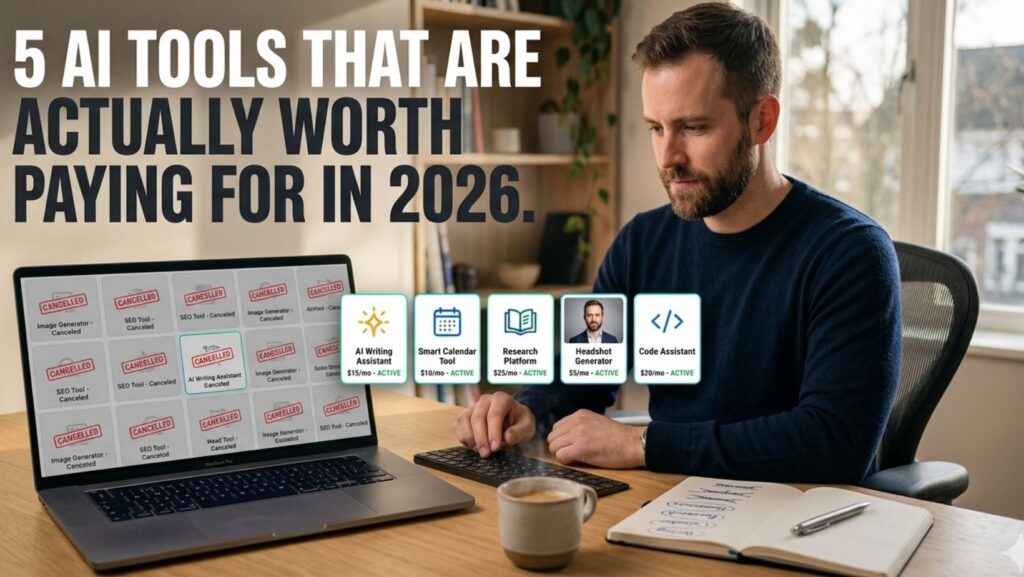
Most AI tools follow the same lifecycle. They launch with hype, collect a wave of free trial signups, generate a few viral tweets, and then quietly fade into the background noise of your unused subscriptions. You’ve probably got two or three of them still billing your credit card right now.
But a handful of AI tools have broken that pattern. They’ve become the ones people actually open every week, the ones that survive the free trial and earn a permanent spot in the workflow. Not because they’re trendy. Because they save real time or produce results you can’t easily get another way.
After spending the past year testing, canceling, and reluctantly re-subscribing to more AI products than I’d like to admit, here are five that have genuinely earned their price tag in 2026, plus the category that surprised me most.
1. A Writing Assistant That Knows When to Shut Up
I’m not going to name a specific product here because the “best” writing AI depends entirely on how you write. But the category has matured significantly.
The early writing assistants were aggressive. They wanted to rewrite everything, suggest constantly, and insert themselves into every sentence. The good ones in 2026 have learned restraint. They catch genuine errors, suggest structural improvements when you ask, and stay quiet when you’re in a flow state.
The feature that separates the tools worth paying for from the free alternatives is context memory. The paid tiers remember your style preferences, your tone, your vocabulary quirks. Over weeks of use, the suggestions get sharper because the tool has learned what your good writing sounds like, not just what generic “good writing” looks like.
Worth paying for if: you write more than 2,000 words per week for professional purposes. Not worth it if: you only draft occasional emails.
2. Calendar and Scheduling Intelligence
This is the category that surprised me most in terms of how much time it actually saved.
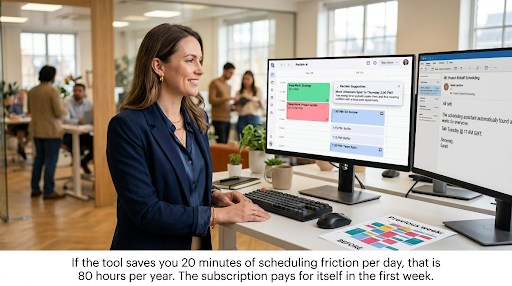
The best AI scheduling tools in 2026 don’t just find open time slots. They understand context. They know that a “quick sync” with a colleague should be 15 minutes, not 30. They know that back-to-back video calls drain you and automatically build buffers. They learn your energy patterns and suggest deep work blocks during your most productive hours.
The ROI is almost absurdly easy to calculate. If the tool saves you 20 minutes of scheduling friction per day (a conservative estimate for anyone managing more than 5 meetings a week), that’s roughly 80 hours per year. At any reasonable hourly rate, the $15 to $25 monthly subscription pays for itself in the first week.
Worth paying for if: your calendar is a negotiation. Not worth it if: you have fewer than 3 meetings per week.
3. AI-Powered Search and Research
Google is still the default, but for serious research, AI search tools have carved out a clear advantage.
The best ones in this category don’t just return links. They synthesize information across sources, surface contradictions, flag outdated data, and let you ask follow-up questions against a specific set of results. For anyone doing competitive analysis, market research, or deep content creation, the difference between “ten blue links” and “a synthesized answer with citations” is the difference between an hour of tab-hopping and ten minutes of focused reading.
The real question is whether these tools replace your research process or just add another layer to it. In my experience, they replace about 60% of the manual work and make the remaining 40% significantly faster. That’s a strong enough ratio to justify the cost.
Worth paying for if: research is part of your job. Not worth it if: you mainly search for restaurants and weather.
4. AI Headshot and Portrait Generation
This is where it gets interesting. And honestly, this is the category I expected to dismiss.
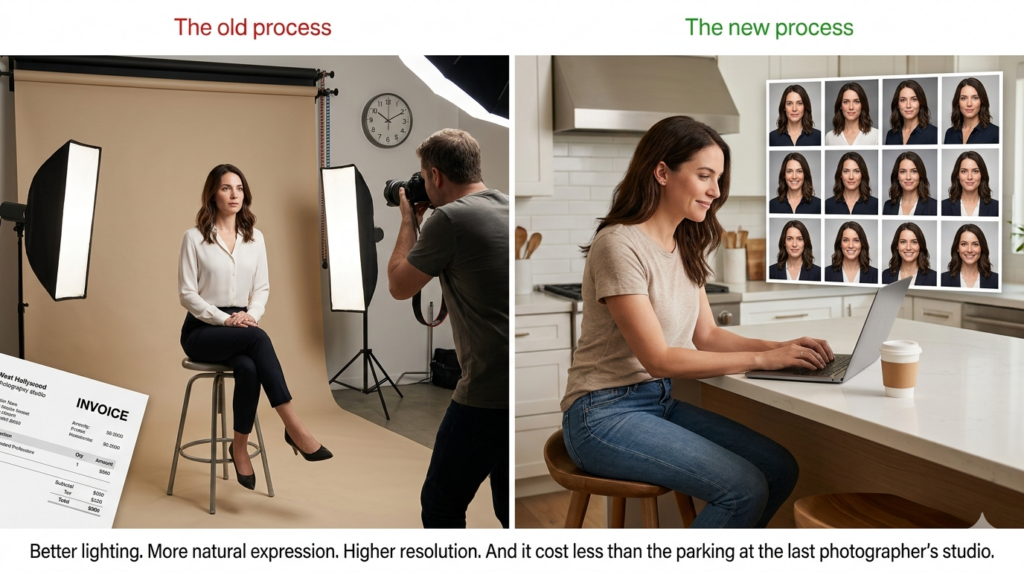
I tried my first AI headshot generator about eight months ago because I needed an updated LinkedIn photo and didn’t want to book a photographer for a single image. I uploaded a handful of casual photos, selected a professional style, and had results within the hour.
The output was, genuinely, better than the studio headshot I’d been using for two years. Better lighting. More natural expression. Higher resolution. And it cost less than the parking at my last photographer’s studio.
But that’s not the whole story. The real value showed up when I recommended the approach to a friend who runs a 40-person marketing agency. She’d been spending nearly $6,000 annually coordinating headshot sessions for new hires, departing employees, and the inevitable “we need updated photos for the new website” projects. She switched to scaled headshot packages for her team and cut that cost by roughly 85%, with more consistent results across the board.
The quality gap between the best and worst tools in this category is significant. Some still produce that waxy, uncanny look. Others produce portraits that professional photographers have genuinely mistaken for studio work. If you’re considering this, spending ten minutes reviewing a comparison of the top options will save you from a bad first experience.
Worth paying for if: you need professional portraits for any reason (job search, personal brand, team page, speaking bios). Not worth it if: you already have a current headshot you’re happy with and no foreseeable need for new ones.
5. Code Generation and Development Assistance
Even if you’re not a developer, this category matters because it’s increasingly being used by non-technical professionals to build internal tools, automate workflows, and prototype ideas without waiting for engineering resources.
The paid tiers of AI coding tools in 2026 offer something the free versions can’t: persistent project context. They remember your codebase, understand your architecture, and make suggestions that fit your existing patterns rather than generic best practices. For professional developers, this means fewer context-switching interruptions. For non-developers, it means actually finishing that automation project instead of abandoning it after three confused attempts.
The pricing ranges from $20 to $50 per month for individual plans, which feels steep until you calculate the cost of even one hour of freelance developer time ($75 to $200+ depending on complexity).
Worth paying for if: you build anything, even simple automations or spreadsheet macros. Not worth it if: you never interact with code or structured data in any capacity.
The Pattern Worth Noticing
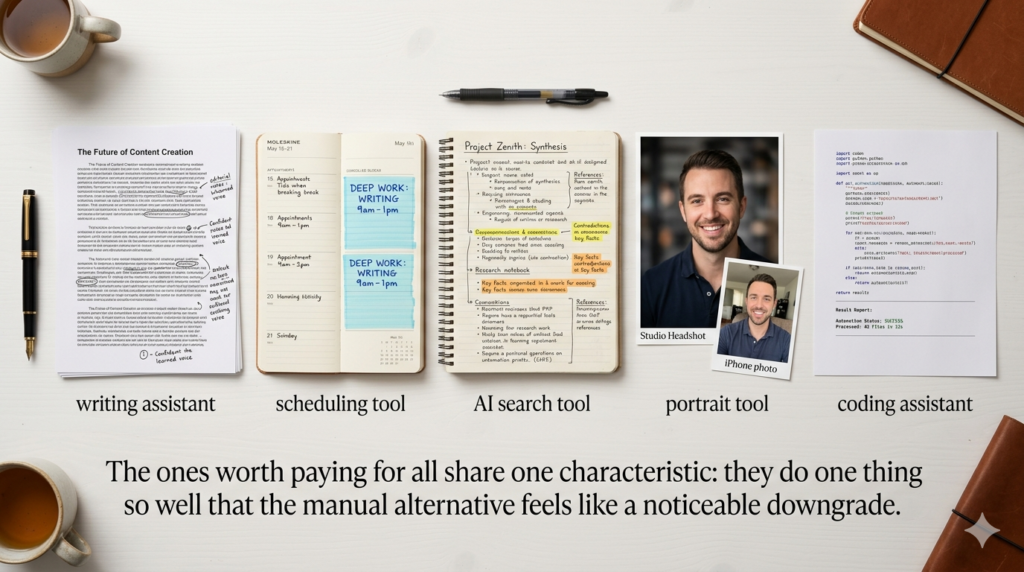
Here’s the thing nobody mentions when talking about AI tools: the ones worth paying for all share the same characteristic. They don’t try to do everything. They do one thing so well that the alternative (doing it manually or using a free tool) feels like a noticeable downgrade.
The writing assistant that actually learns your voice. The scheduler that understands your energy. The search tool that synthesizes instead of listing. The portrait generator that produces studio-quality results from phone photos. The code assistant that remembers your project.
Each of these replaces a process that used to require either significant time, significant money, or both. The subscription cost is almost always a fraction of what the manual alternative costs.
How to Evaluate Any AI Tool Before Paying
Before you hand over your credit card to any AI product, run it through three quick filters.
The replacement test: What specific process does this replace? If you can’t name the manual task it eliminates, you’re paying for novelty, not utility.
The frequency test: Will you use this at least weekly? Monthly use doesn’t justify a monthly subscription. Weekly use almost always does.
The quality test: Is the output noticeably better than the free alternative, or just slightly different? “Slightly different” isn’t worth paying for. “Noticeably better” usually is.
Apply these three filters honestly and you’ll end up with a small, focused set of AI tools that actually earn their place in your workflow. Everything else is clutter.

The Bottom Line
The AI tool market in 2026 is enormous, noisy, and mostly disposable. Hundreds of products are competing for your attention and your subscription dollars. Most don’t deserve either.
But the handful that do, the ones that replace a real cost with a smaller cost, that save measurable time, that produce output you’d otherwise pay much more to get, those tools aren’t luxuries. They’re the kind of operating expenses that pay for themselves so quickly you stop thinking about the price.
The trick isn’t finding more AI tools. It’s finding the five or six that actually matter and ignoring everything else.